 FormSensei · how I built it
How I built FormSensei.
I built both of these features on my own. Here's what was hard about each one, and what I did about it.
Feature 01
Form analysis
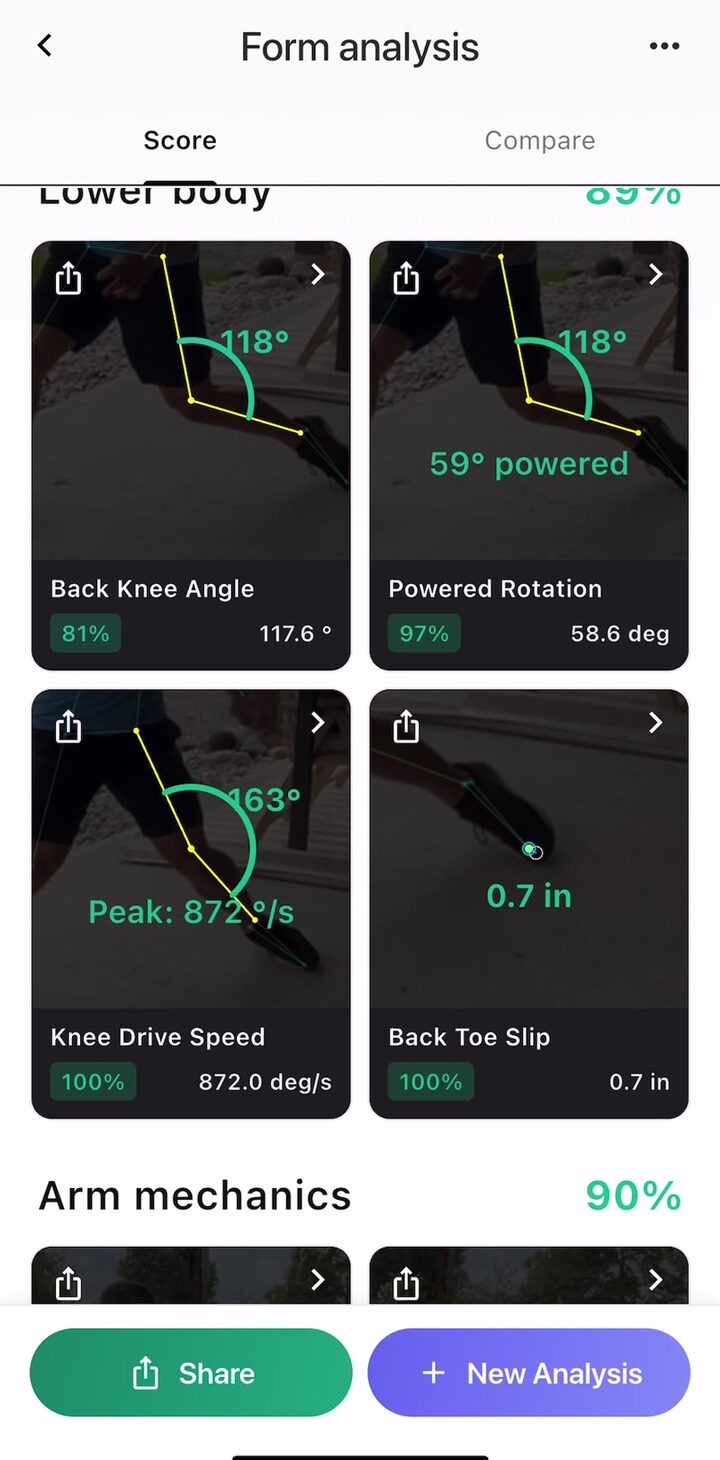
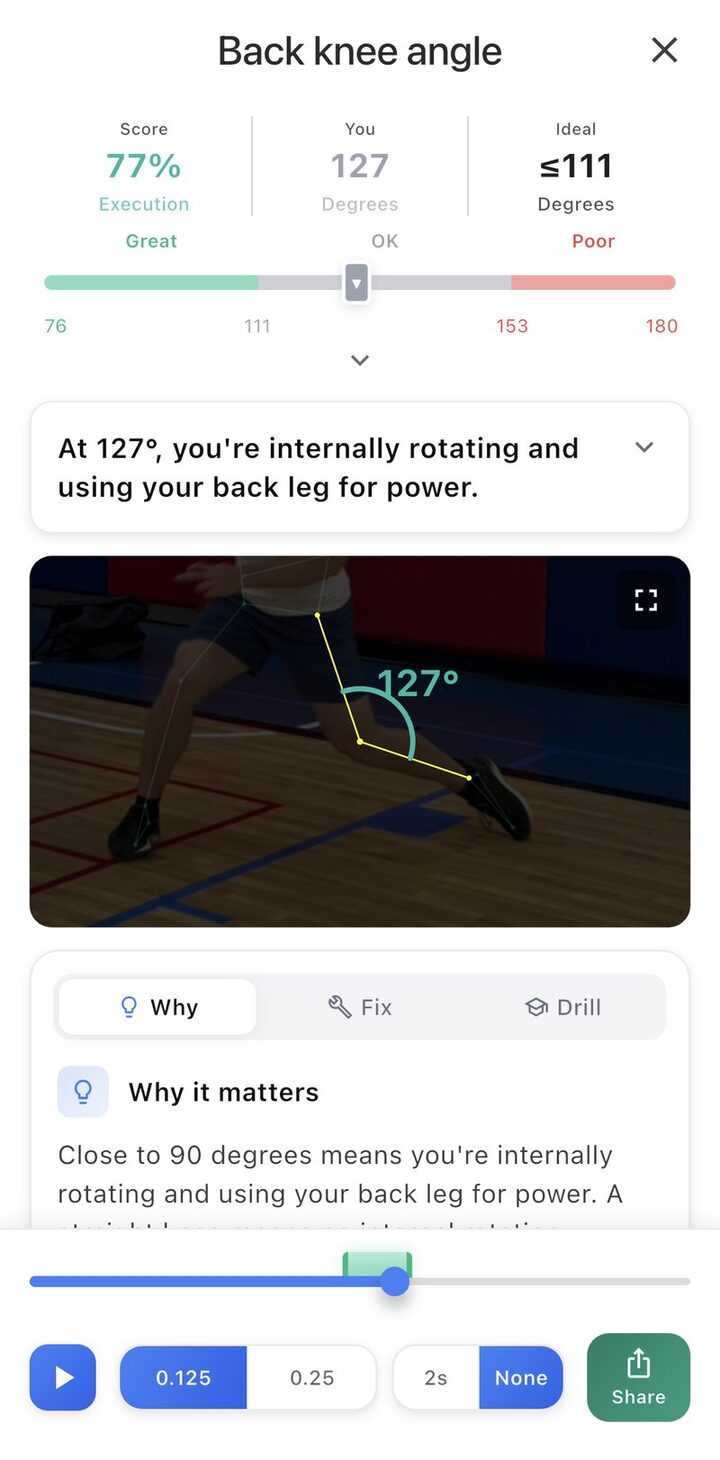
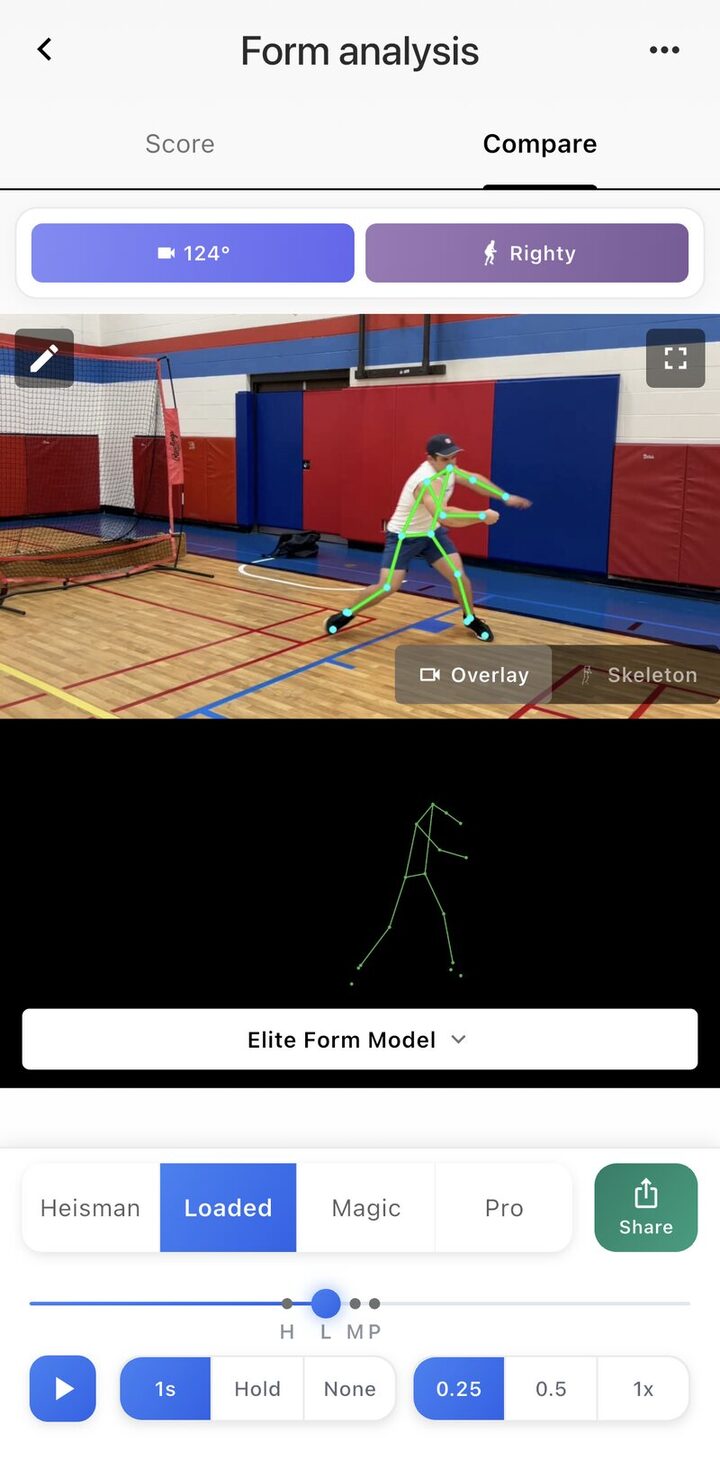
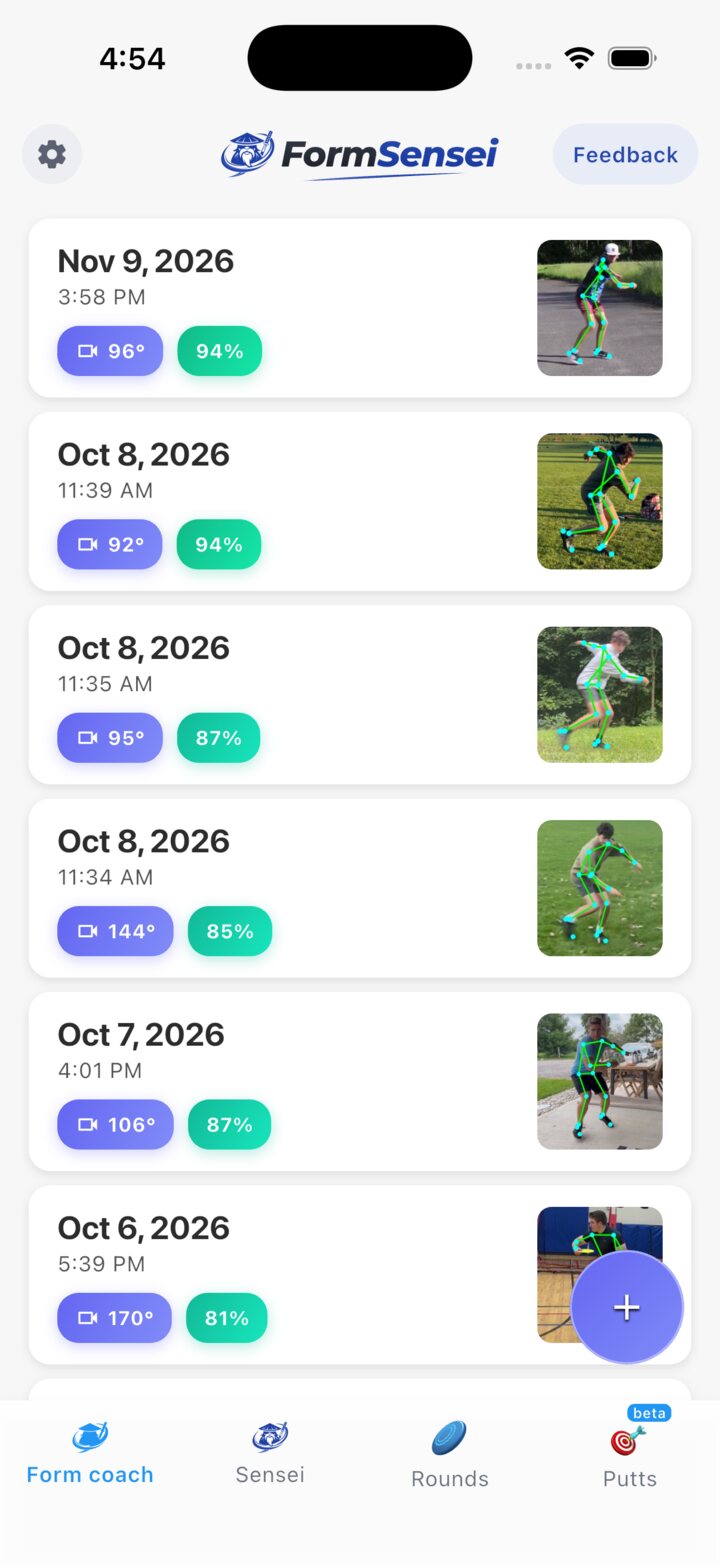
You film a throw. The app finds the key moments, measures your form at each one and shows you the exact frame to fix.
-
The detection logic changes all the time
I run RTMPose on the phone to pull out the skeleton, because it's fast and costs nothing. Everything after that runs in a Python service on Cloud Run. When I fix something it ships in minutes, and I don't have to wait on app store review.
RTMPose · Flutter · FastAPI · Cloud Run
-
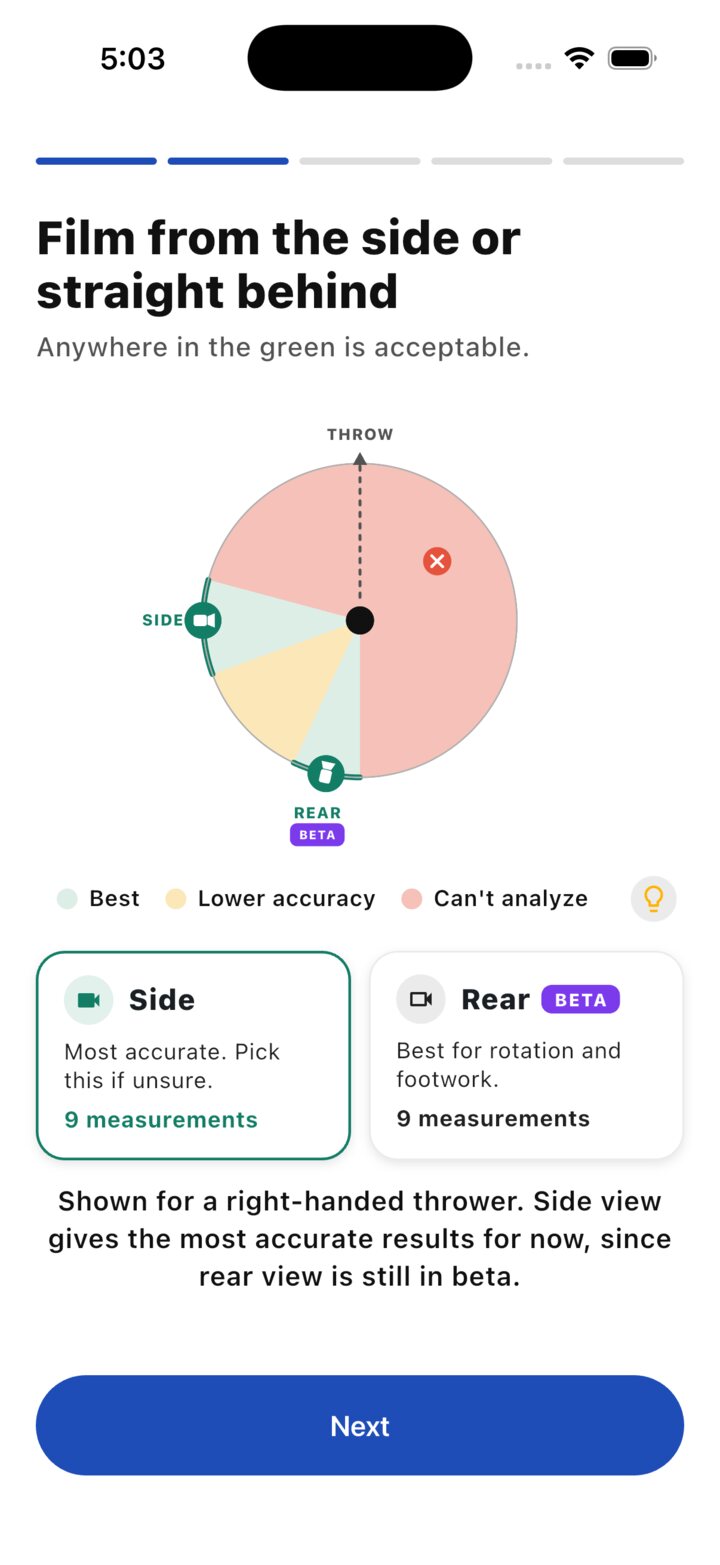
People film from any angle
People film from wherever they happen to be standing. So I built a release detector that works from any view, plus a classifier that figures out the camera angle. There was no labeled data for any of this, so every video that fails becomes a training example.
Python · DTW · active learning
-
Most analyses were failing
Early on, fewer than half of analyses finished. I traced the failures back to what was really going wrong on the server and fixed the biggest causes first. Success went from 44% to 65%.
Mixpanel · server tracing
-
People saw their result and left
I tracked every step from first open to paid. Putting the full breakdown behind a free trial took trial starts from 13% to 54% of finished analyses.
RevenueCat · Remote Config
Feature 02 · beta
Live putt tracker
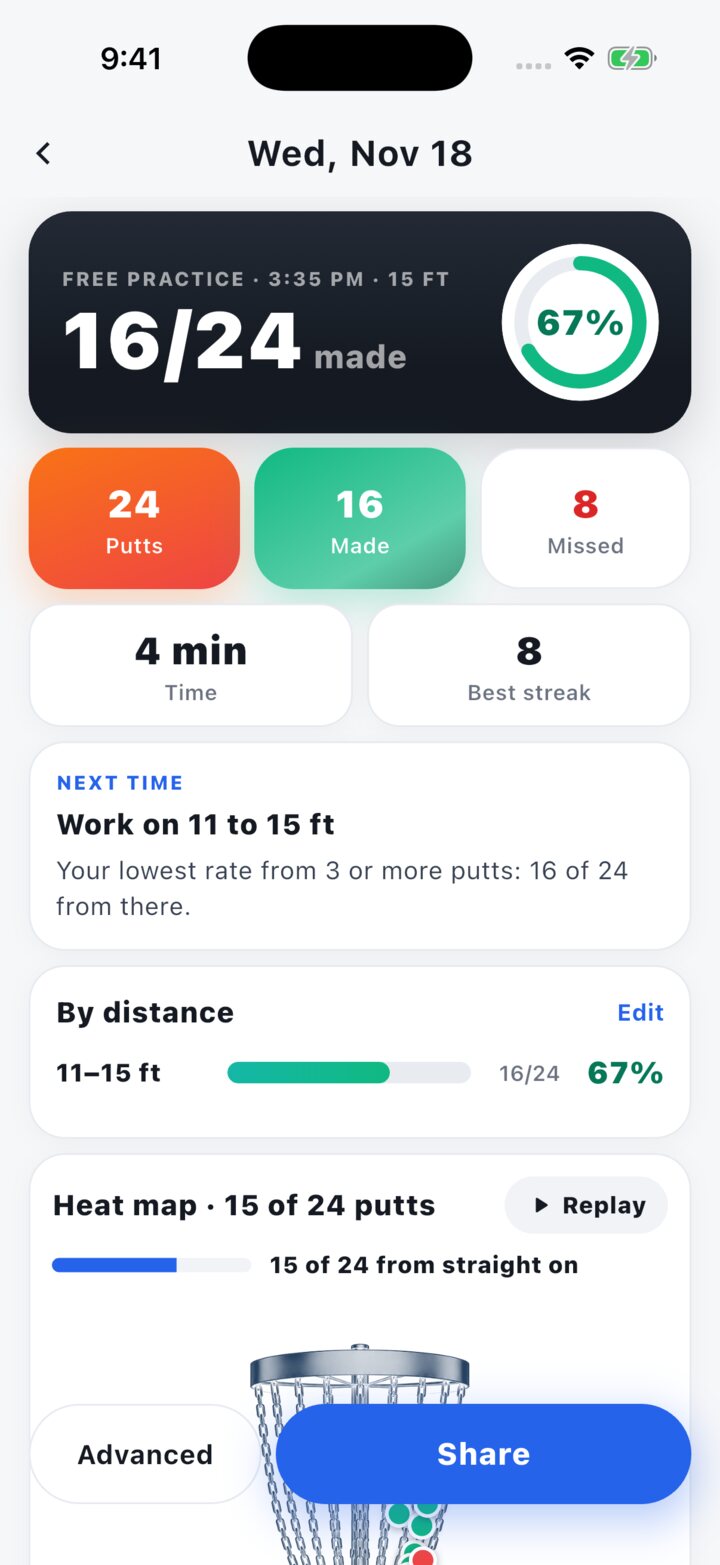
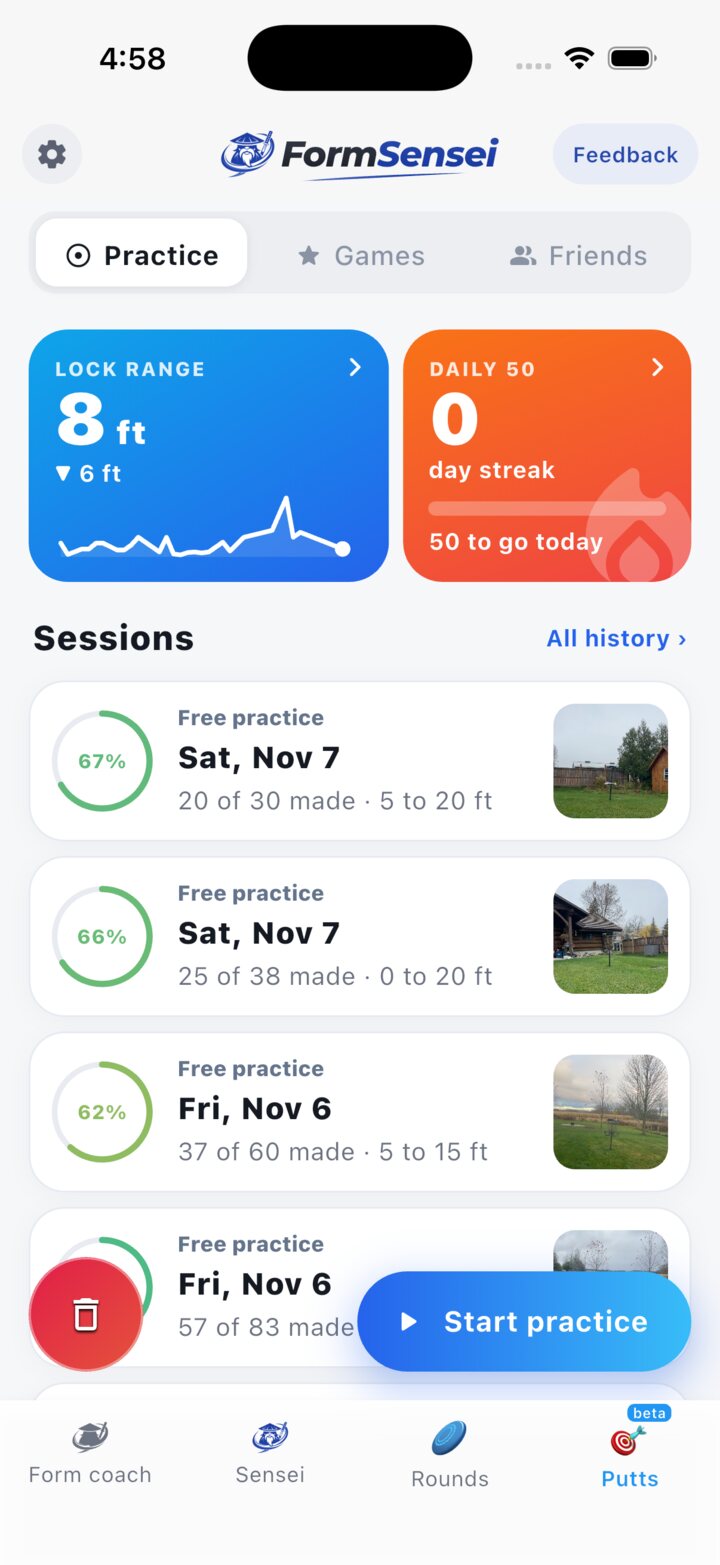
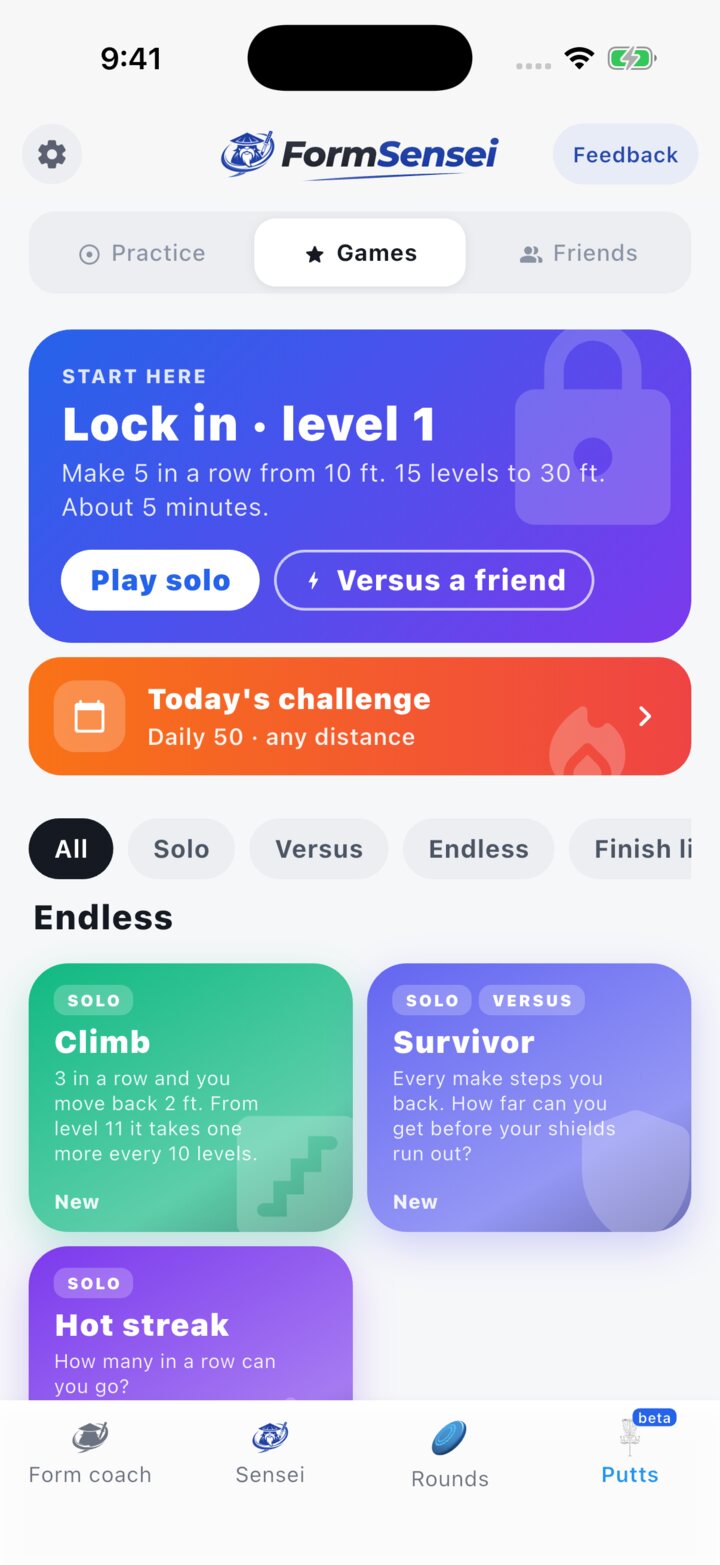
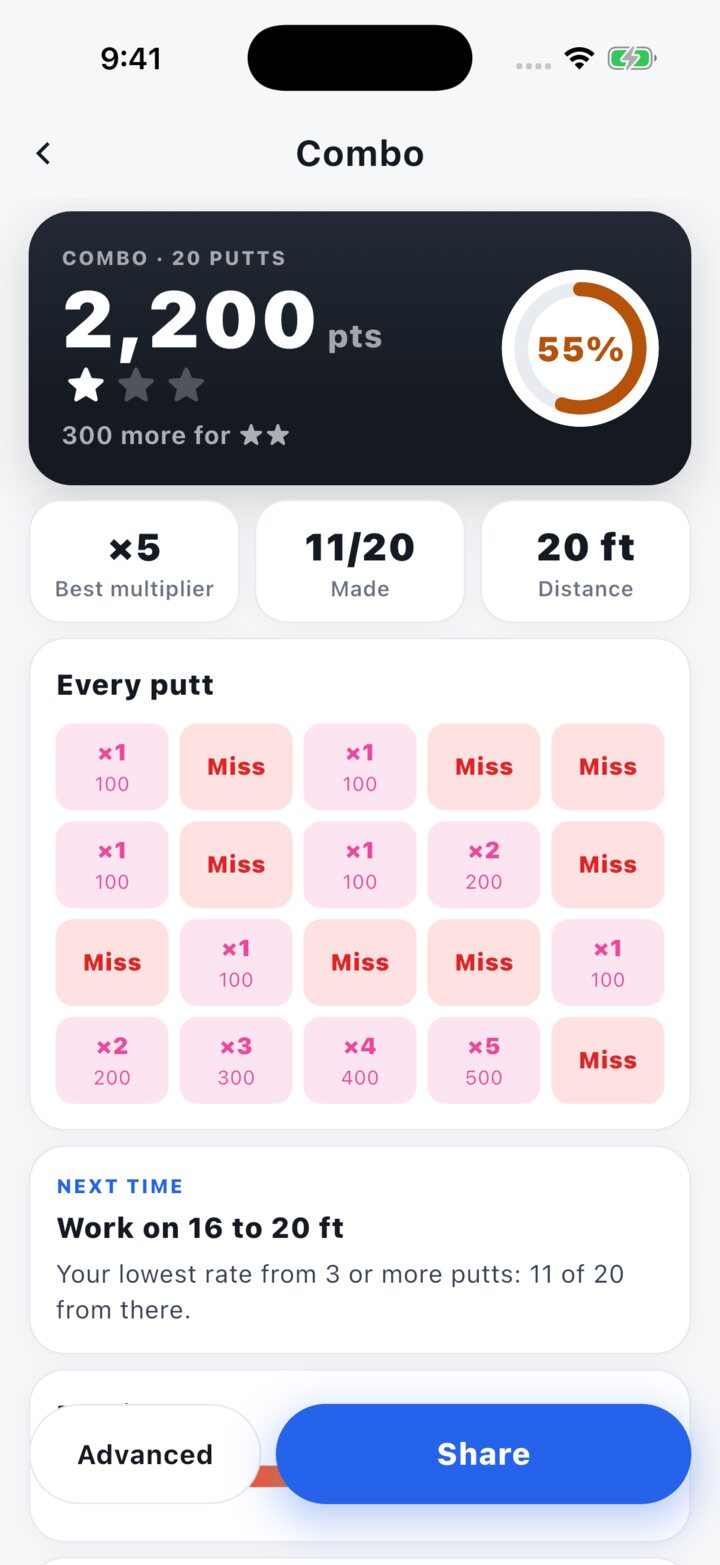
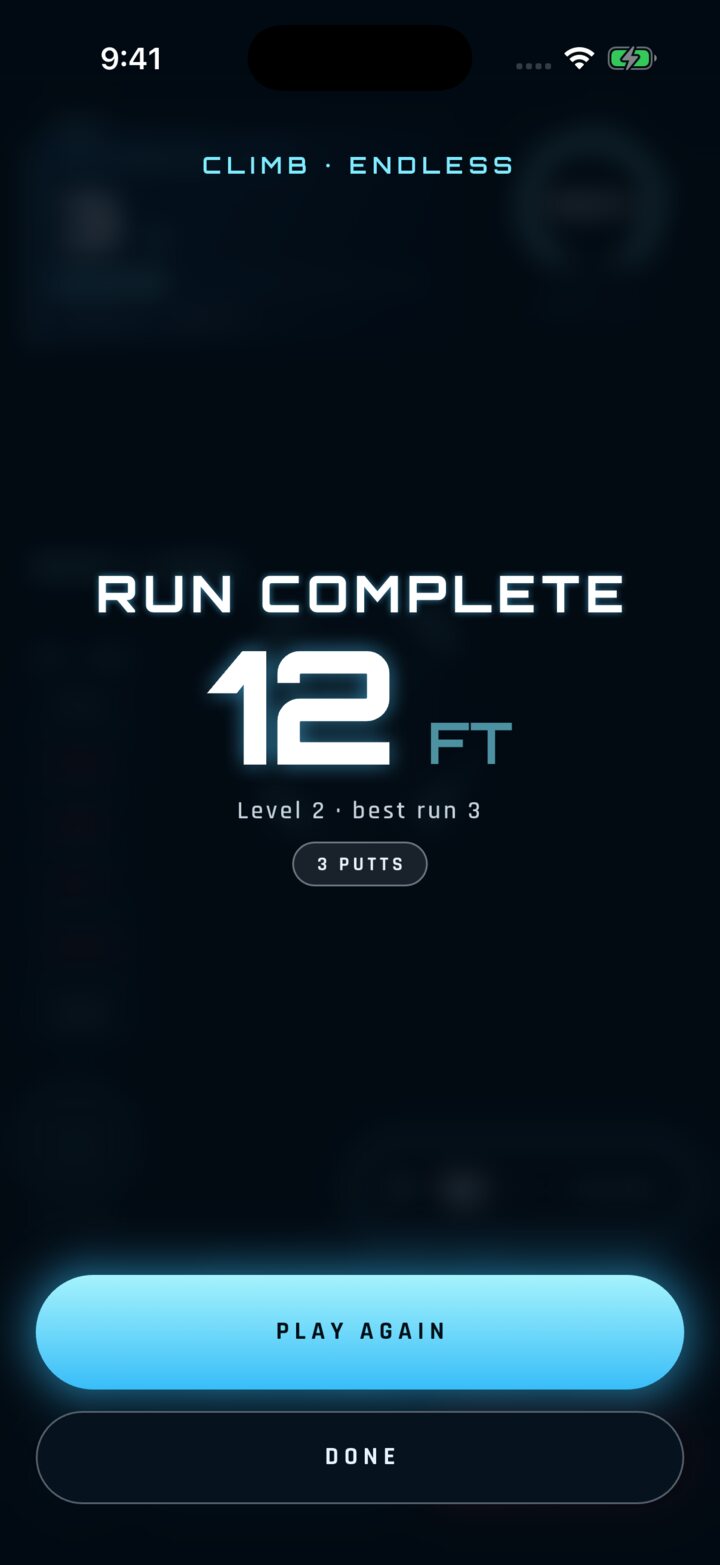
You prop your phone by a basket and putt. It finds the basket, follows the disc and calls each make or miss on its own.
-
It ran at 11 frames a second
The tracker runs a disc detection model on the phone, Core ML on iOS and LiteRT on the GPU on Android. My first Android build only got about 11 frames a second on a Pixel 7a. I moved the camera to its own thread and cut three full-frame copies per frame, and that got it to 60 with none dropped.
Core ML · LiteRT · Kotlin · Swift
-
A made putt disappears into the chains
When a putt goes in, the disc vanishes into the chains, so I can't just watch it land. I make the call from what happens after the disc reaches the basket, and I read contact from where the flight bends.
Tracking · rules from the sport
-
Knowing a new model is really better
I counted two sessions by hand, 79 putts and 36 putts. Every new model has to get those right before I ship it.
Replay tests · model gates
-
Testing two platforms by myself
I have AI agents drive the app through every screen on iOS and Android, in light and dark mode. Then I review the screenshots myself.
Claude Code · simulator QA